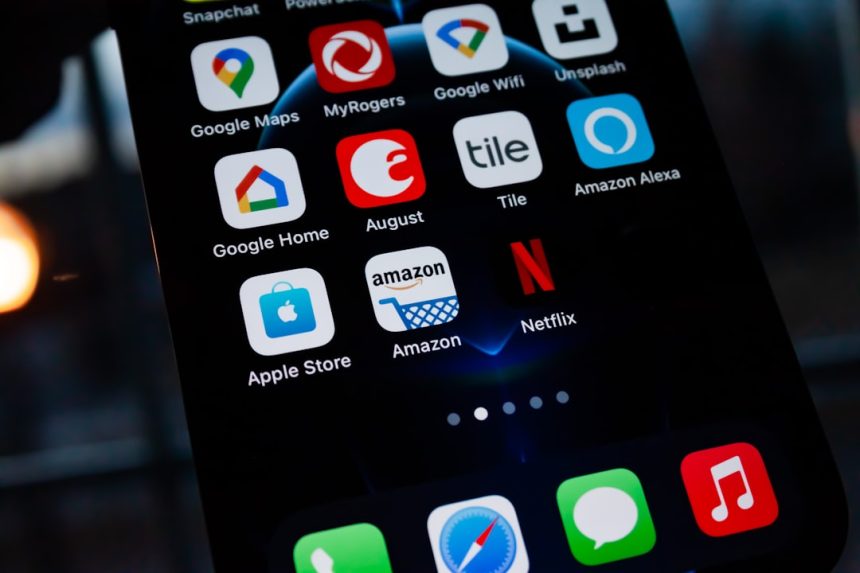
Many iPhone users eagerly anticipate the newest iOS updates, which bring exciting features, improved security, and enhanced performance. However, some users have reported issues updating their iPhone 15 to iOS 18. If you’re facing this problem, don’t worry. Here is a step-by-step guide to help troubleshoot and fix it.
Possible Reasons Why Your iPhone 15 Won’t Update
There could be several reasons why your iPhone 15 is unable to update to iOS 18. Here are some of the most common factors:
- Insufficient Storage: iOS updates require free space to download and install. If your iPhone doesn’t have enough storage, the update may fail.
- Internet Connection Issues: A slow or unstable internet connection can prevent the update from downloading properly.
- Apple’s Servers Are Busy: If many users are trying to update at the same time, Apple’s servers may be overloaded.
- Software Glitches: Bugs or corrupted files in your current iOS version may interfere with the update process.
- Battery Level Too Low: If your battery is below 50% and your iPhone is not plugged into a charger, the update might not proceed.
Step-by-Step Solutions to Fix the Update Issue
1. Check Available Storage
Ensure that your iPhone 15 has enough free space to install the update. To check storage:
- Go to Settings >
- Tap General > iPhone Storage.
- If storage is low, delete unnecessary files, apps, and old updates.
[ai-img]iphone, settings, storage, check[/ai-img]
2. Restart Your iPhone
A simple restart can fix temporary glitches that may be preventing the update.
- Press and hold the Side button along with the Volume Up or Down button.
- Slide to power off.
- Turn your iPhone back on after a few seconds and try updating again.
3. Connect to a Stable Wi-Fi Network
Ensure you are connected to a stable and high-speed Wi-Fi network:
- Go to Settings > Wi-Fi.
- Switch to a different Wi-Fi network if possible.
- Restart your Wi-Fi router and try again.
[ai-img]wifi, iphone, settings, network[/ai-img]
4. Check Apple’s Servers
Sometimes, Apple’s servers might be down. You can check the system status on the Apple System Status page.
5. Update Using a Computer
If updating over Wi-Fi doesn’t work, try updating via a Mac or PC:
- Connect your iPhone to a Mac or Windows PC.
- On a Mac, open Finder; on a PC, open iTunes.
- Select your iPhone and click Check for Update.
- Download and install iOS 18 from there.
6. Reset Network Settings
If connectivity issues persist, resetting your network settings may help:
- Go to Settings > General > Transfer or Reset iPhone.
- Tap Reset, then select Reset Network Settings.
- Reconnect to Wi-Fi and try updating again.
7. Perform a Factory Reset (Last Resort)
If nothing else works, a factory reset will erase all data and reinstall a fresh version of iOS.
- Go to Settings > General > Transfer or Reset iPhone.
- Select Erase All Content and Settings.
- After restarting, set up your iPhone as new or restore from a backup.
FAQ
Why does my iPhone 15 say “Unable to Check for Update”?
This message may appear due to network issues or Apple’s servers being temporarily unavailable. Try restarting your iPhone and switching to a different Wi-Fi network.
How much storage do I need for iOS 18?
iOS updates generally require at least 5GB of free space, but it’s recommended to have at least 10GB available to ensure a smooth installation.
Can I update using cellular data?
Apple usually restricts major updates over cellular data due to the large file size. It’s best to connect to Wi-Fi or use a computer for the update.
What should I do if my update is stuck?
If the update is frozen, try force restarting your iPhone by pressing and quickly releasing the Volume Up button, then the Volume Down button, then holding the Side button until the Apple logo appears.
Will updating to iOS 18 delete my data?
No, performing an iOS update should not delete your data. However, it’s always recommended to back up your iPhone before updating, just in case something goes wrong.
By following these steps, you should be able to successfully update your iPhone 15 to iOS 18. If the problem persists, contacting Apple Support is the best course of action.