WordPress is the most popular content management system (CMS) in the world. It powers millions of websites and blogs worldwide. However, the popularity of WordPress also makes it a target for hackers and cybercriminals. Therefore, it’s crucial to take measures to secure your WordPress site from potential attacks. One of the best ways to do this is by configuring a security plugin. In this article, we will explore how to configure a security plugin to protect your WordPress site, focusing on two popular plugins – Login Lockdown and WP Force SSL.
1. Install and Activate the Plugin
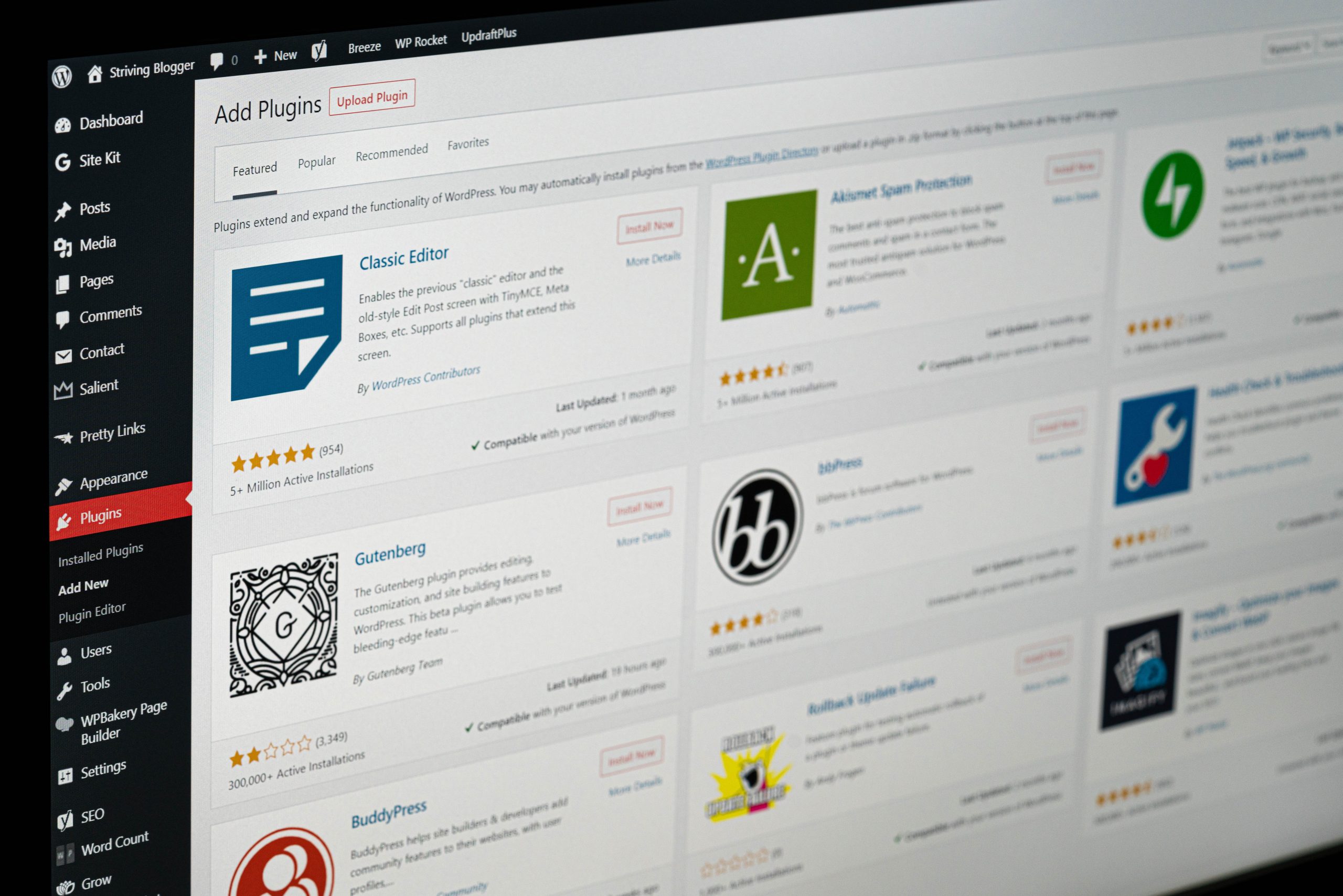
The first step in configuring a security plugin is to install and activate it. There are many security plugins available for WordPress, but Login Lockdown and WP Force SSL are two popular choices. Once you have selected your preferred plugin, you can install and activate it from the WordPress plugins directory.
2. Configure the Settings
Once the plugin is activated, the next step is to configure its settings. The settings may vary depending on the plugin you choose, but the basic configuration process is similar. In the case of Login Lockdown, the plugin restricts the number of login attempts from a single IP address. To configure the plugin, you need to set the maximum number of login attempts and the lockout time. For WP Force SSL, the plugin enforces SSL on your WordPress site. To configure the plugin, you need to enable the SSL feature and choose the pages you want to enforce SSL on.
3. Set Up Notifications
A security plugin can send you notifications when there is an issue with your site’s security. For instance, Login Lockdown can notify you when someone is attempting to log in with an incorrect password. WP Force SSL can notify you when there is a problem with your SSL certificate. You can configure the notifications to be sent via email, SMS, or push notifications.
4. Run Regular Scans
It’s essential to run regular scans to check your site’s security status. A security plugin can help you perform this task automatically. Login Lockdown can perform scans to detect brute force attacks, while WP Force SSL can scan for SSL certificate issues. You can configure the scans to run daily, weekly, or monthly. This is one of the WordPress security best practices.
5. Keep the Plugin Updated
Finally, it’s crucial to keep the security plugin updated. Plugin developers release updates frequently to fix bugs, improve performance, and address security vulnerabilities. Updating your security plugin ensures that your site remains protected against the latest threats. Additionally, it’s crucial to keep your WordPress site and other plugins updated to ensure maximum security.
In conclusion, configuring a security plugin is a crucial step in protecting your WordPress site from potential attacks. Login Lockdown and WP Force SSL are two popular plugins that can help you secure your site. By following the steps above, you can configure the plugin settings, set up notifications, run regular scans, and keep the plugin updated. These measures can help you keep your site secure, reduce the risk of attacks, and maintain the integrity of your online presence.