
WordPress is one of the most widely used website building platforms on the internet. It’s flexible, easy to use, and open-source. However, with its popularity comes a downside – security concerns. As a website owner, it’s essential to ensure the safety of your website and its visitors. In this article, we’ll explore 9 WordPress security best practices that you can implement to protect your website.

1. Use Strong Passwords
Passwords are the primary way to protect your WordPress site from unauthorized access. Ensure that all user accounts, including yours, have strong passwords. A strong password should be long, complex, and contain a combination of letters, numbers, and symbols. Avoid using predictable passwords like “password123” or “123456.” Instead, use a unique, hard-to-guess password for each account. You can use a password manager to generate and store strong passwords securely. WP Login Lockdown is a great WordPress plugin that can help you secure your login page.
2. Use SSL Encryption
SSL encryption secures the data transmitted between your site and your visitors’ browsers. SSL encryption secures the data transmitted between your site and your visitors’ browsers. This means that sensitive information like passwords, credit card numbers, and personal information is protected from prying eyes. Installing an SSL certificate on your site also helps improve your site’s ranking in search engines. Install WP Force SSL on your WordPress website to secure it. You can get a free SSL certificate from Let’s Encrypt or purchase one from your web hosting provider.
3. Remove Unnecessary Plugins and Themes
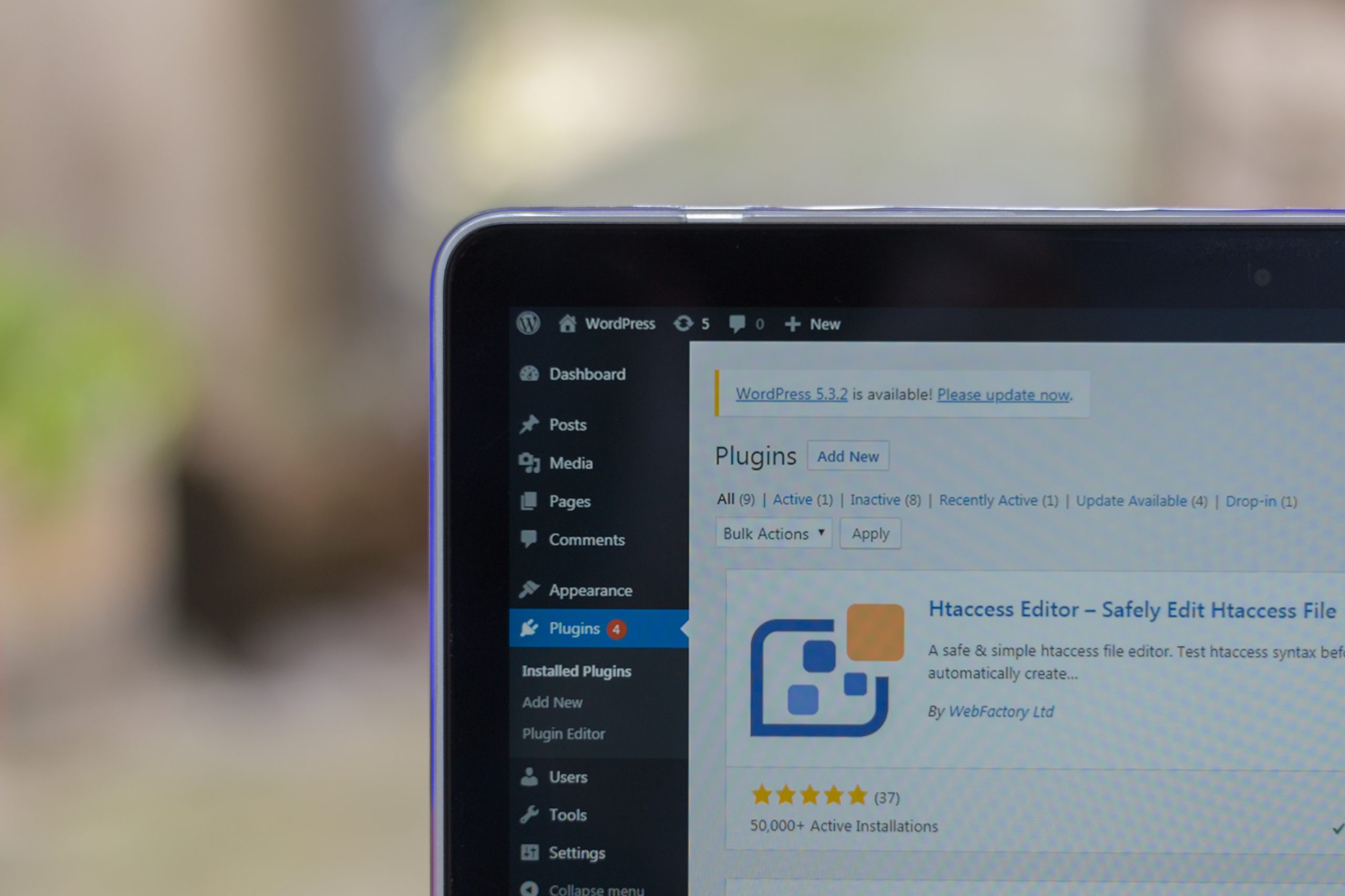
Having too many plugins and themes on your site can make it vulnerable to security threats. Each plugin and theme can introduce its own set of vulnerabilities, which hackers can exploit. It’s crucial to remove any plugins and themes that you’re not using. Only keep the plugins and themes that are necessary for your site’s functionality. You should also regularly update and review your installed plugins and themes to ensure that they are safe and secure.
4. Keep WordPress Up-To-Date
One of the most critical WordPress security best practices is to keep your WordPress version up-to-date. With each new release, WordPress developers work to improve the security of the platform. Hackers frequently exploit vulnerabilities in older WordPress versions, so it’s crucial to keep your site updated. Ensure that both WordPress core and any installed themes and plugins are always up-to-date. The best way to do this is to enable automatic updates. By doing so, you’ll ensure that your site receives the latest security patches and features.
5. Limit Login Attempts
Hackers use brute-force attacks to guess your WordPress login credentials. They use automated software that tries a large number of username and password combinations until they find the correct one. To prevent brute-force attacks, limit the number of login attempts allowed on your site. You can use a plugin like Login Lockdown to set the maximum number of login attempts. After the specified number of attempts, the plugin blocks the IP address for a specific period.
6. Use Two-Factor Authentication
Two-factor authentication (2FA) is an extra layer of security that requires users to provide a second method of authentication before accessing their accounts. It’s a simple yet effective way to protect your site from unauthorized access. When 2FA is enabled, users must enter a username and password, as well as a one-time code generated by an authentication app. This ensures that only authorized users can access your site. You can use a plugin like Google Authenticator or Authy to enable 2FA on your site.
7. Install Security Plugins
WordPress security plugins can help you secure your site by adding extra layers of protection. Some of the most popular security plugins are Wordfence, iThemes Security, and Sucuri Security. These plugins can detect and block malicious traffic, scan your site for vulnerabilities, and provide detailed reports on security issues. They can also protect your site from brute-force attacks, limit login attempts, and enforce strong passwords.
8. Backup Your Site Regularly
Backups are crucial in case of a security breach or a website crash. Regular backups ensure that you can restore your site quickly in case of data loss or corruption. You can use a plugin like UpdraftPlus to schedule automated backups of your site. It’s also a good idea to keep a copy of your backup files in a secure location, like a cloud storage service.
9. Secure Your WordPress Database
The WordPress database contains all your site’s data, including user information, posts, and comments. It’s crucial to secure your database to prevent data theft or corruption. You can use a plugin like WP-DBManager to back up and optimize your database regularly. You should also change the default database prefix from “wp_” to something else. This makes it harder for hackers to guess the database table names.
In conclusion, implementing these 9 WordPress security best practices can help protect your site from security threats. Keeping your site updated, using strong passwords, limiting login attempts, enabling two-factor authentication, installing security plugins, backing up your site regularly, securing your database, using SSL encryption, and removing unnecessary plugins and themes are all crucial steps to securing your site. By following these best practices, you can ensure that your site and its visitors are safe and secure.