

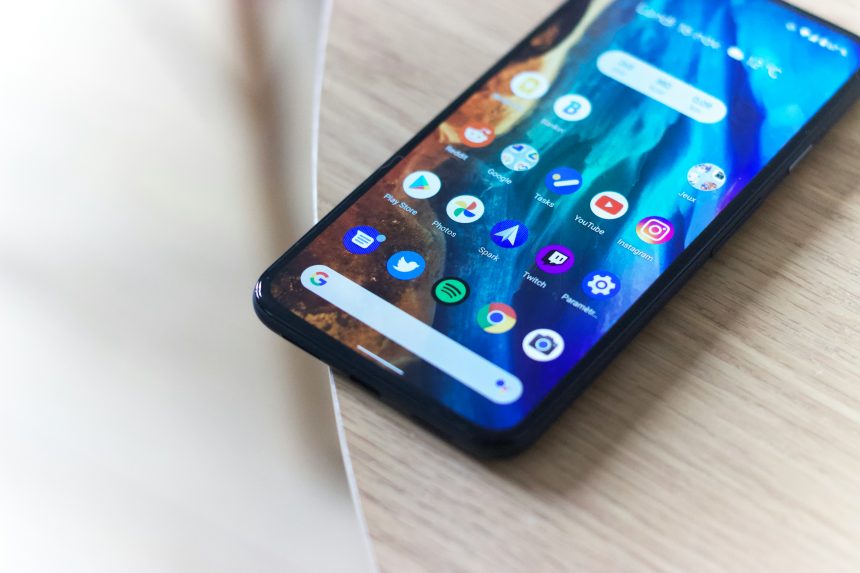
Snapchat has built its reputation on offering users a high level of privacy and security. From disappearing snaps to notifications when someone takes a screenshot, the platform is clearly designed with discretion in mind. However, there are times when you may have valid reasons to record a Snapchat call—whether it’s for legal documentation, personal record-keeping, or protection in sensitive conversations. If you’re considering this, it’s essential to understand the ethical concerns as well as the technical feasibility.
Note: This guide is intended for informational and educational purposes only. Always consider local laws regarding privacy and consent before attempting to record any call. In many regions, recording a phone conversation without the other party’s knowledge is illegal and can have serious legal consequences.
1. Use a Screen Recorder App (for Android)
One of the simplest methods to record a Snapchat call without notification is to use a third-party screen recording app. These apps capture everything happening on the screen without alerting other participants in the call.
- Recommended Apps: AZ Screen Recorder, Mobizen, DU Recorder
- How it Works: Install the app, start recording before the Snapchat call begins, and save the recording afterward.
- Pros: No jailbreak or root required on most Android devices
- Cons: Audio quality might vary, and some apps may not record internal audio
[ai-img]smartphone screen recording, android apps, call capture[/ai-img]
Tip: Some newer Android versions limit internal audio recording. If that’s the case, consider using an auxiliary method such as recording audio through an external microphone placed near the speaker.
2. Use Built-in Screen Recording Feature (for iOS)
iPhones running iOS 11 or higher come with a native screen recording feature that you can use to record Snapchat calls. While Snapchat can detect and notify screenshots, it currently does not send an alert for screen recordings during calls.
To enable this feature:
- Go to Settings > Control Center > Customize Controls
- Add Screen Recording to your Control Center
- Swipe up or down to access the Control Center and tap on the recording icon before starting the Snapchat call
Pros: Built-in feature; no need for extra apps
Cons: May capture background noise; call participants may notice lag if your device is underpowered
[ai-img]iphone screen recording, ios features, snapchat interface[/ai-img]
3. Mirror Your Screen to a PC or Mac
If you want more control over the recording and possibly higher quality video and audio, screen mirroring can be a useful technique. Apps like ApowerMirror, Reflector, or AirServer allow you to project your smartphone’s display to a computer and record it using screen recording software like OBS Studio or Camtasia.
- Steps: Install a screen mirroring app on both your smartphone and computer. Connect the devices and start mirroring. Launch a screen recording tool on your PC or Mac to capture the mirrored call.
- Pros: Better audio and visual quality; larger display for better management
- Cons: Requires additional setup; may not be very subtle if you’re in public or in a shared space
4. Use an External Recording Device
In some cases, the most straightforward and undetectable method is to use an external device like another smartphone, camera, or audio recorder to capture the Snapchat call discreetly. Place the recording device near your smartphone during the call to capture both audio and video.
- Pros: Completely undetectable by Snapchat as no software interaction occurs
- Cons: Lower recording quality; may require positioning and timing precision
Security Tip: Be sure to mute notifications and switch to Do Not Disturb mode on both devices to avoid interruptions during the recording.
Legal and Ethical Considerations
Recording someone without their consent can involve serious legal risk, depending on your jurisdiction. In many countries and U.S. states, two-party consent laws require that all participants agree to a recording. Violating these laws can result in criminal charges, fines, or civil suits.
Ethically, recording someone without their knowledge can also erode trust, especially in personal relationships. If you must record a call, consider informing the other party and obtaining their consent. When used responsibly, these methods can be valuable tools for documentation and safety.
Final Thoughts
While Snapchat’s built-in protections make call recording difficult by design, several workarounds exist. You can use trusted screen recorders, mirror your screen to a computer, or employ external recording devices to retain a record of your conversations. Regardless of the method you choose, always remember to consider the legal and ethical implications.
Bottom line: It’s not just about how you record, but also why and whether you should. Use the methods wisely and responsibly.










